Skip to content

Try It Yourself

Experience All 3 Screens, Right Now.

From the moment a booking is confirmed, your guest guide is delivered.

Set up in admin → Guests use on mobile → Review orders, bookings, and inquiries.Try it with our demo facility "Hotel Aster Tokyo" in Marunouchi.

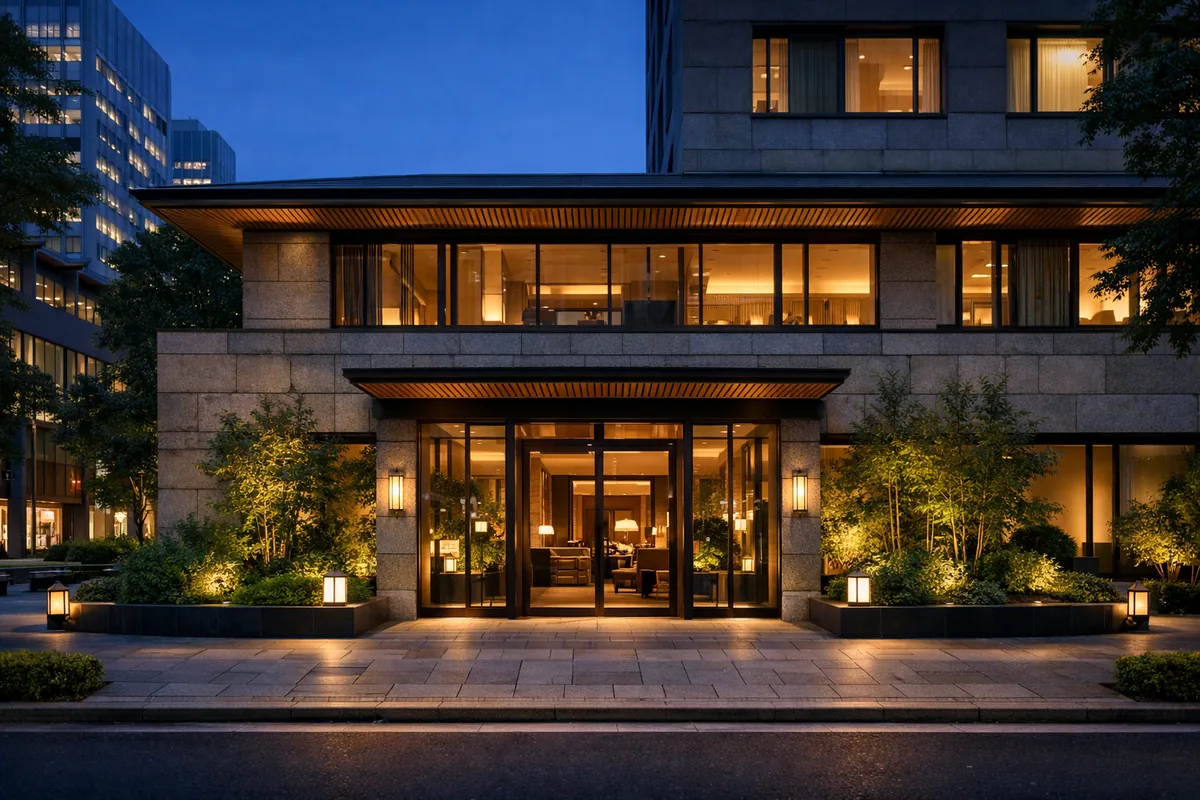
Hotel Aster Tokyo
Tokyo Marunouchi Demo

Hotel Aster Tokyo

住所・館内案内・周辺スポット・ショップ・体験予約まで、デモ用に作り込んだゲストページです。

Owner Dashboard

Guest pages, AI settings, shop, activity bookings, and revenue analytics. The screen you'll see every day.

Start here

Follow this order to understand the demo dashboard quickly.

  1. 1Check property name, address, and website in Basic Info
  2. 2Adjust the guest page in Page Customization
  3. 3Review shop, activity booking, and upsell settings
  4. 4Open the Guest Guide to see the result
Log In to Dashboard

ID: demo@hotel-tokyo.com
PW: demo1234

Guest Experience

Guests open a link from their booking confirmation to access their itinerary, check-in info, dining reservations, and local guide.

Try the Guest GuideSee the QR Code View

The button above opens the most important screen

Demo Data

Demo data from "Hotel Aster Tokyo" in Marunouchi, central Tokyo. Same environment as live operations.

Demo Guest Link (fixed)

/g/hotel-tokyo

Shows 2 days before check-in. Try itinerary, check-in, dining, and weather-aware AI.

4部屋

Rooms

予約・清掃・QR管理用

3系統

Orders

ショップ・体験・アップセル

6件

Today's Bookings

デモ予約データ

2名

AI Team

エリス+ジョン

Bring This Experience to Your Property.

Enter your address → Set up in 5 minutes → Just place the QR code.

Start free →

No credit card required · Free plan available

デモ体験